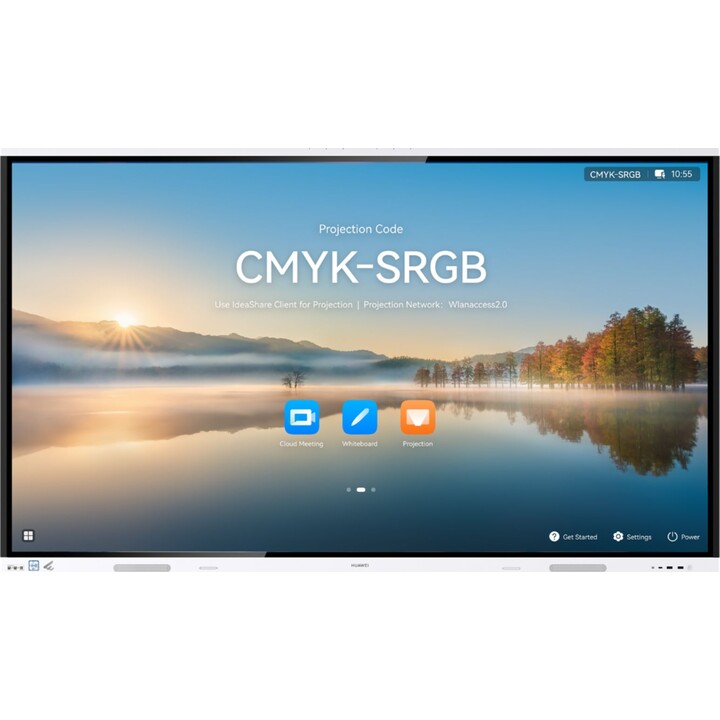
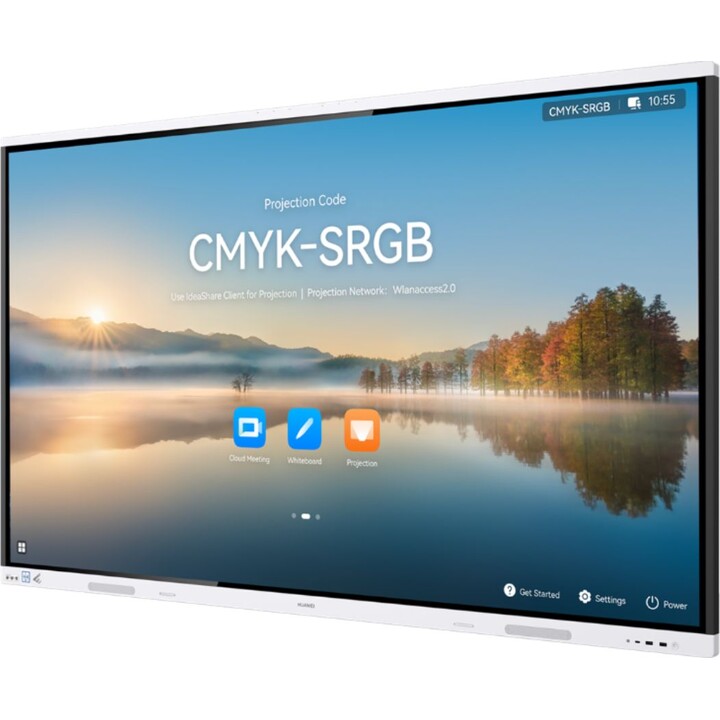
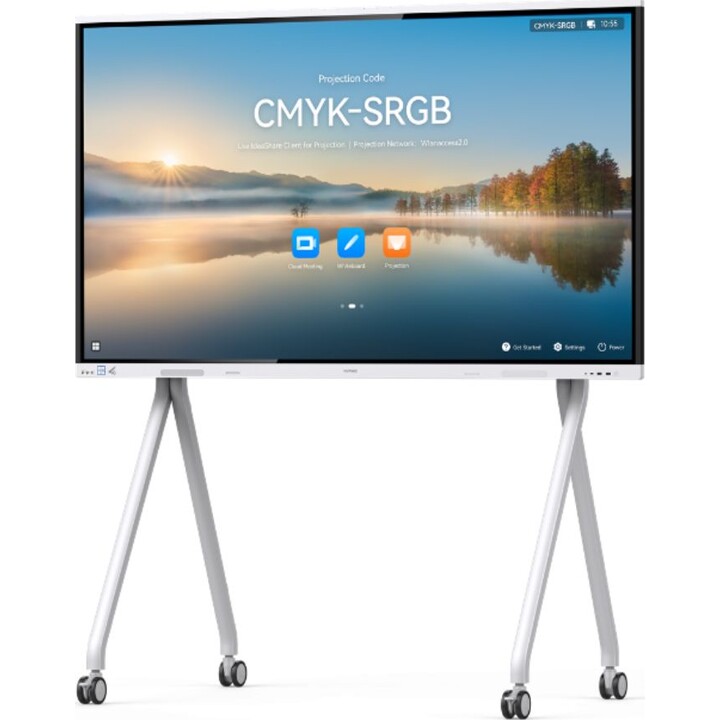
Intelligent Collaboration Device, Huawei Ideahub Board 3 Pro, Ihb2-65pb, Intelligent Collaboration Device 65-inch Infrared Scree
from €149.00 shipping
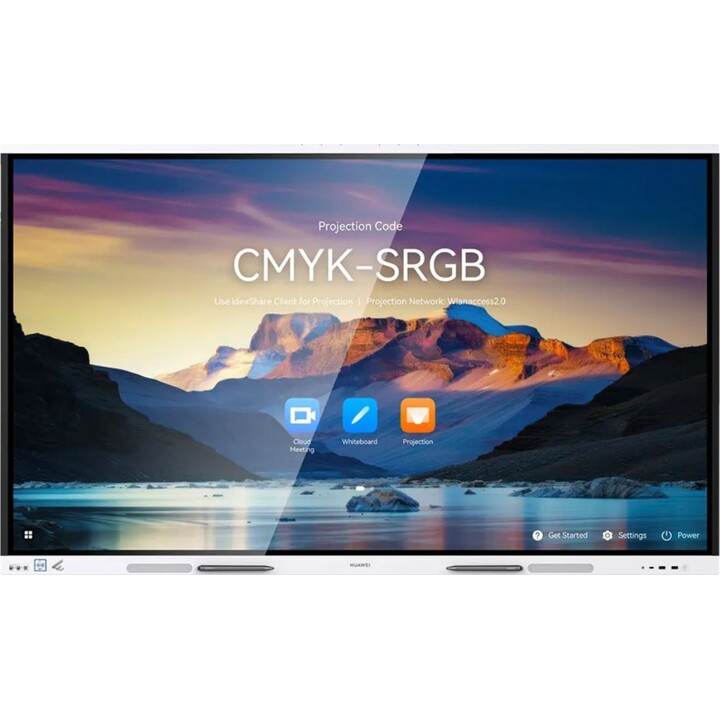
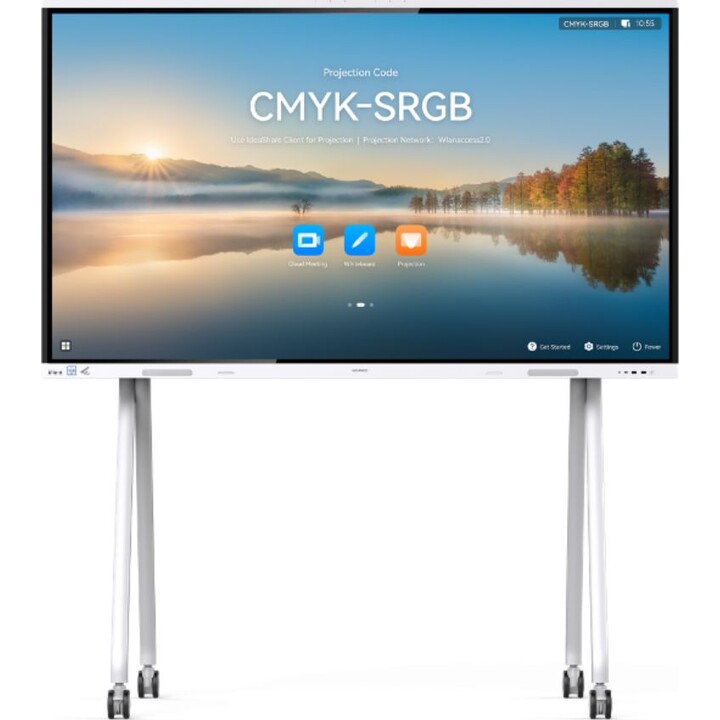
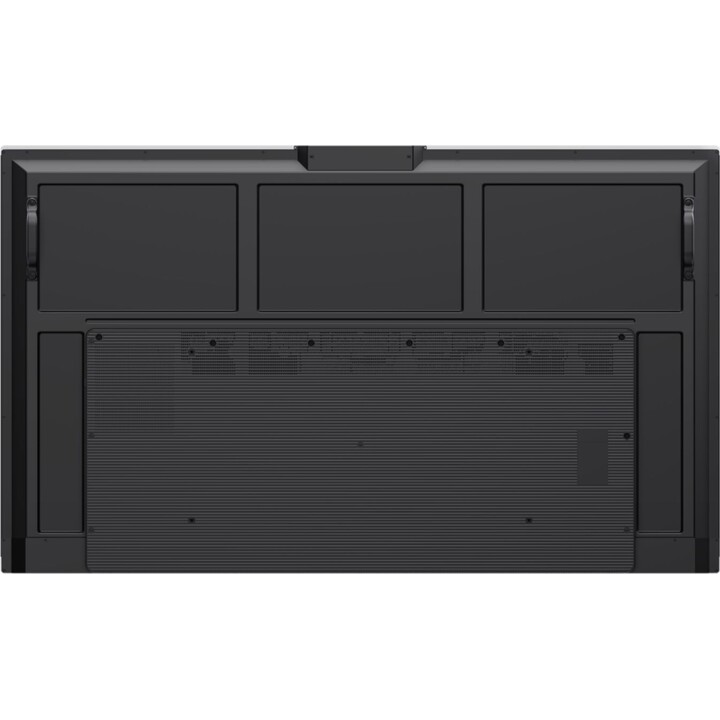
Part of Huawei's next-generation range of video conferencing displays, the 65-inch IdeaHub Board 3 Pro series (which should not be confused with the Ideahub B3) combines a 4K soft light screen with a smart board built for collaboration and creation, offering a space in which new ideas and thoughts can be brought to life.
4K Soft Light Screen That Looks After Your Eyes
4K display with rich visuals
Optical anti-blue light offering zero colour cast
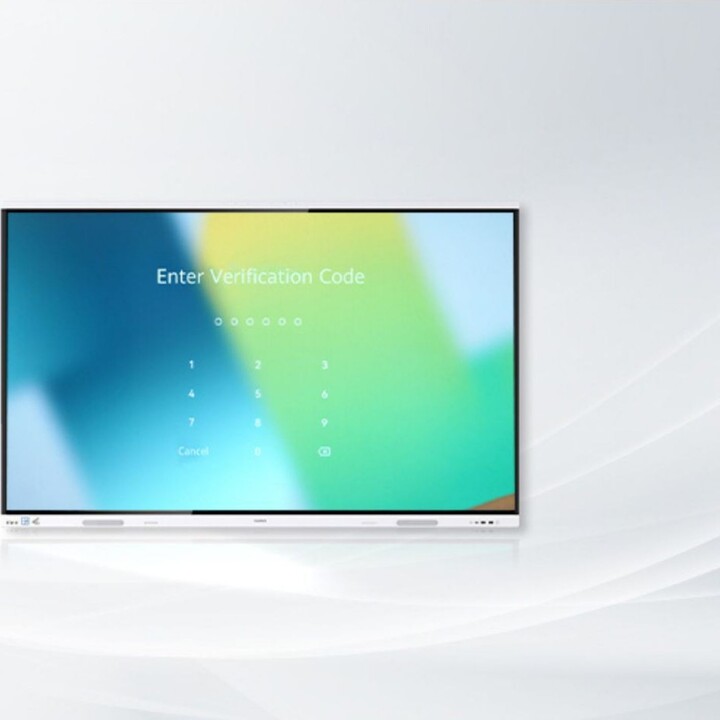
Wi-Fi Direct Projection1, With No Network Connection Required
Just switch on Wi-Fi on your IdeaHub and PC/mobile phone to
start 4K projection, with neither a password nor a network connection needed
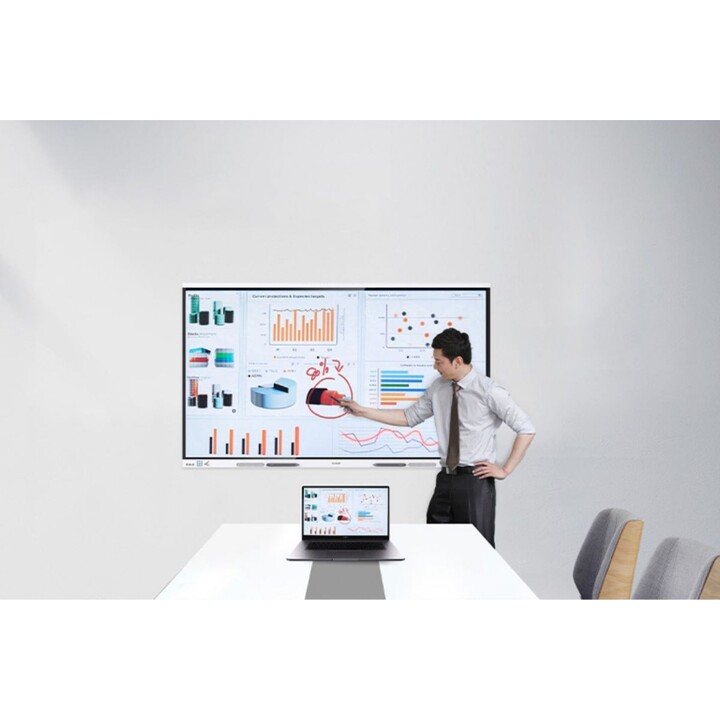
Cross-Screen Annotation, Write and Save Whenever You Like2
Obtain unique insights and professional commentary
While annotating across screens into your PPT with effortless, smooth efficiency
Dual-System One-Tap Switchover
Move easily between HarmonyOS and Windows
OPS swap-free, and suited to more apps
16 ms Ultra-Low Writing Latency for Smooth Writing
AI handwriting tracking, plus simultaneous writing and display
Turn handwritten texts and graphics into digital forms (3)
Content saving supported by scanning a QR codev(4)
Package Contents
Huawei IdeaHub Board 3 pro - 65 inches
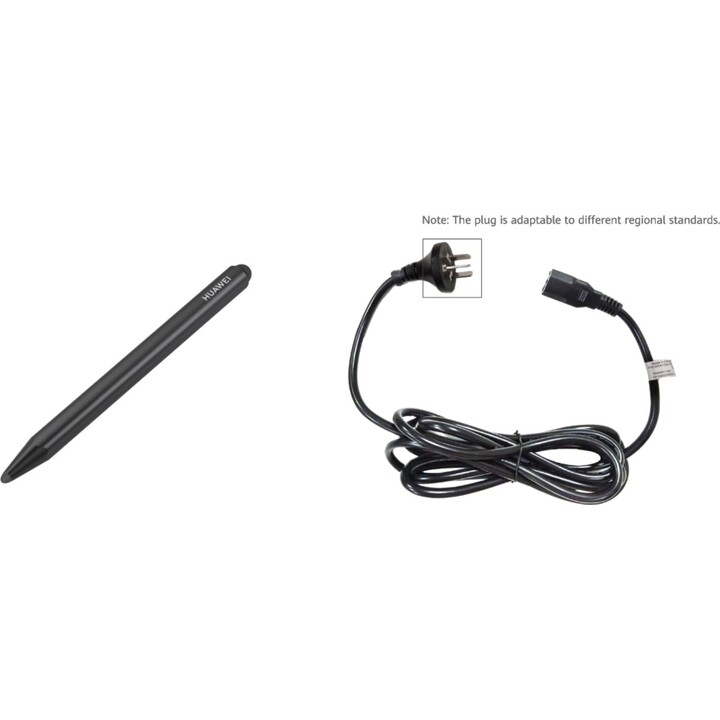
Pencils x2
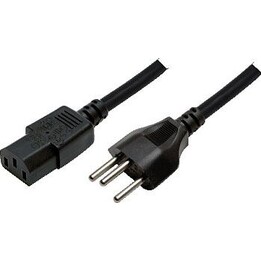
Power cable
How can you project from your PC with no internet connection?
With the Huawei Board 3, you can share your PC screen entirely wirelessly, without being connected to WIFI! Using the optional Huawei IdeaShare 2 Key dongle, guests and collaborators can project quickly at the touch of a button. No software installation is needed; you simply pair the dongle with your interactive display in advance.
When giving professional presentations, users can at the same time employ this accessory to run their presentation straight from the touch screen and annotate it. .
Other wired options exist via a USB-C cable. As with the IdeaShare button, the PC is controlled by touch through USB-C. In addition, the Power Delivery function helps to keep the charge level up. There is therefore no need to connect a second cable for the power supply.
Notes
[1] Wi-Fi Direct projection is supported through the IdeaShare app, on a Huawei phone via NFC or the projection option in the drop-down menu. Wi-Fi Direct projection using the IdeaShare app supports the HarmonyOS, Android, and Windows operating systems.
[2] The cross-screen annotation function has to be used with Windows 10 or later and the IdeaShare app of V7.05.1.01 or later. The Office PowerPoint version must be 2013, 2016, 2019, or 2021.
[3] Conversion into digital forms is supported in Chinese, English, French, Japanese, Spanish, Russian, Portuguese, Italian, German, and Traditional Chinese, along with conversion into digital forms with 11 shapes, among them circles, ovals, and rectangles.
[4] Content can be taken away by scanning the QR code with WeChat, Huawei Cloud Meeting, and Huawei Cloud WeLink.
-
Brand

-
Reference55151106
-
In stock1 Item
-
EAN136901443464784
| Brand | HUAWEI |
|---|---|
| Country | China |
| Address of origin | G1, Huawei Industrial Base, Bantian, Distrito Longgang, Shenzhen 518129 |
| EU responsible person | Huawei Technologies Co., Ltd. |
| Address | Huawei Technologies Düsseldorf GmbH, Hansaallee 205, Düsseldorf, Germany, 40549 |
| [email protected] | |
| Phone | 4921197519400 |
12 other products in the same category
- New
- New

- New
- New
- Out-of-Stock
- New
- Out-of-Stock
- Out-of-Stock
Viewed products
- Out-of-Stock