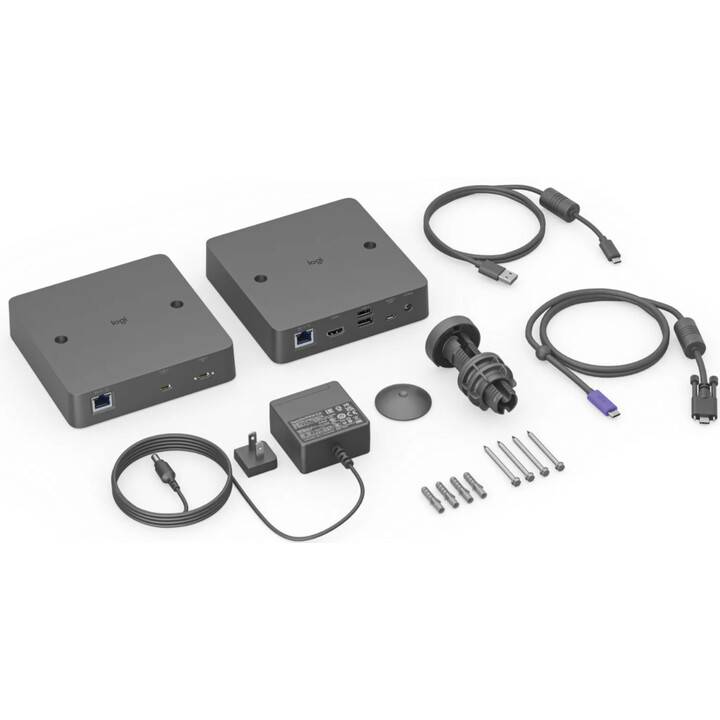
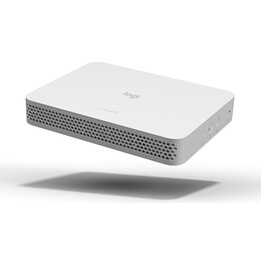
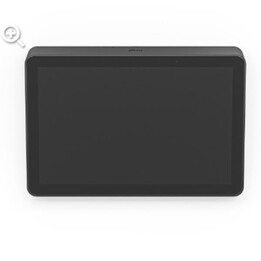
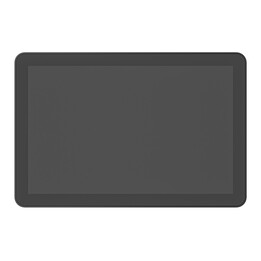
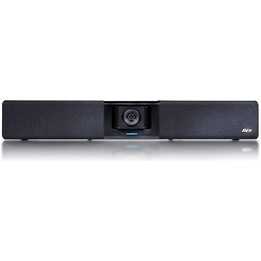
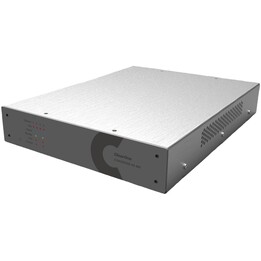
Logitech Extend BYOD connector for Android-based and BYOD rooms - flexibility for modern video conferencing
The requirements of modern conference rooms have changed. Today, businesses need flexible and easy-to-use solutions for platform-independent video conferencing. The Logitech Extend BYOD connector is the perfect answer to these requirements and offers a seamless connection for Android-based and BYOD conference rooms. With a single USB-C cable, meeting moderators can instantly connect to their preferred video platform and control meetings on their own device.
Easy BYOD connection with a single cable
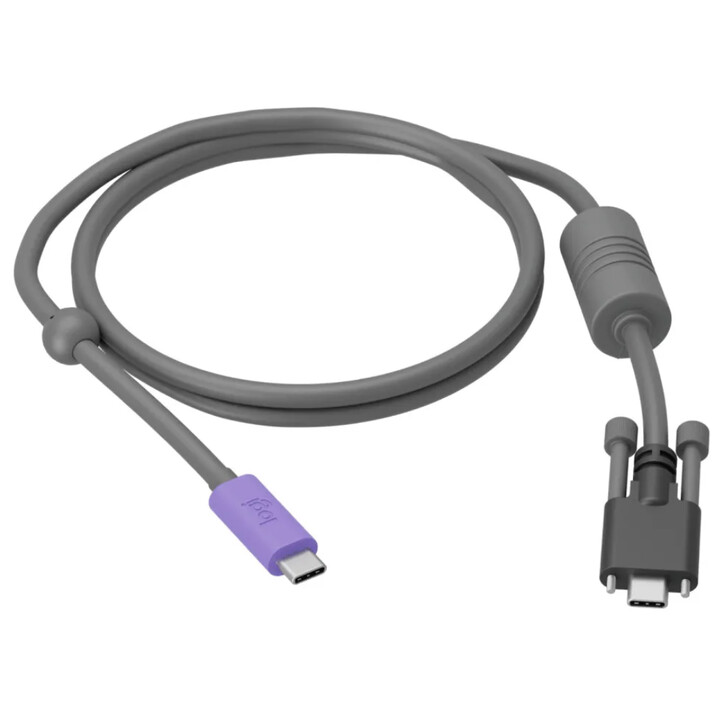
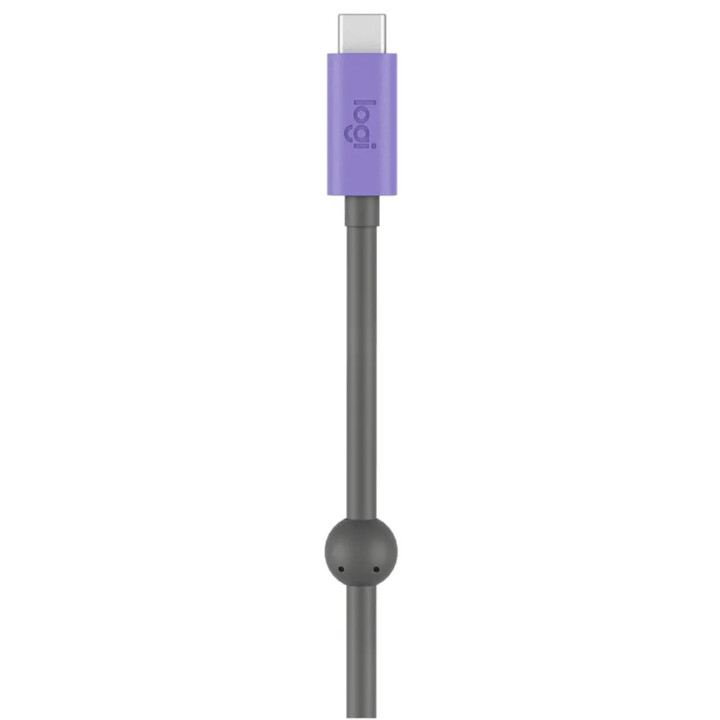
The Logitech Extend BYOD connector allows users to connect to a conference room with a single USB-C cable. This solution offers a straightforward, hassle-free connection without the need for additional drivers or complex installations. Simply walk into the room, plug in the USB-C cable and start a meeting - it couldn't be faster or more convenient.
Two use cases, one flexible solution
Logitech Extend supports both Android-based rooms and classic BYOD conference rooms. This makes it a versatile solution for companies that rely on different video conferencing technologies.
1. BYOD loop
In Android-based rooms equipped with the Rally Bar family and systems such as Microsoft Teams Rooms, Zoom Room or Google Meet, Logitech Extend allows users to bypass the given video platform. Instead, users can use their preferred platform directly from their own device, ensuring maximum flexibility.
2. BYOD Extension
In classic BYOD rooms, Logitech Extend offers a simple plug-and-play solution. Users can hold meetings as usual from their laptop or mobile device and at the same time benefit from easy integration into Logitech conferencing technology. No additional steps or configuration are required - just plug and play.
Simple, clean, powerful connections
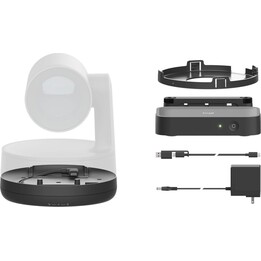
The Logitech Extend BYOD connector not only provides a simple connection, it also keeps your desk tidy. The USB-C cable can be stored in the included magnetic dock after use, so there are no unsightly cables lying around. In addition, Logitech Extend offers the option of using standardised cables up to 100 metres long to provide optimal coverage even in larger conference rooms.
Device power supply (optional)
A convenient feature of Logitech Extend is the ability to power devices while they are in use. By connecting a USB-C power adapter, laptops or mobile devices can be charged with up to 100 watts of power. This makes Logitech Extend an ideal solution for longer meetings where device battery life is no longer an issue.
Easy management with Logitech Sync
The Logitech Extend BYOD connector is extremely easy to manage and maintain. The Logitech Sync platform can be used to monitor and update all connected devices. In addition, Logitech Extend can be managed through Zoom Device Management and Teams Admin Center as part of CollabOS, ensuring that the latest device updates are always deployed.
Technical specifications: compatibility and connections
The Logitech Extend BYOD connector offers versatile connectivity options and broad compatibility:
Ports and interfaces:
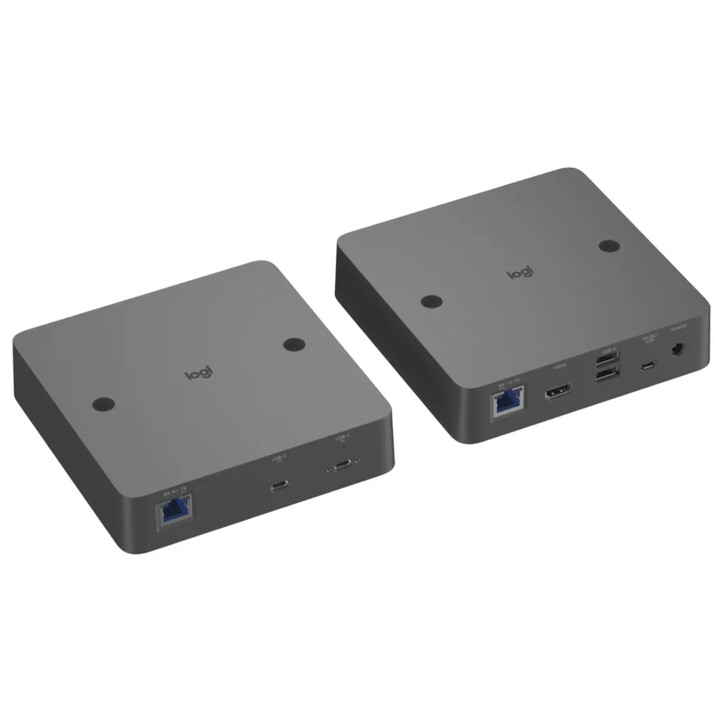
Display side (RX):
- HDMI 2.0 (4K60, 4:4:4)
- 2x USB 2.0 Type A
-
Micro USB management interface
- Logitech power extension
- RJ45 desktop side (TX)
Desktop side (TX)
- Secure USB-C (for user's laptop)
- USB-C (for optional power adapter)
- RJ45 on the display side (RX)
Compatibility:
-
Conference cameras: Rally Bar, Rally Bar Mini, MeetUp and more.
-
Notebook operating systems: Windows 10, Windows 11, macOS (current versions).
-
Display connectors: HDMI 1.4 or higher, USB Type A 2.0 or higher.