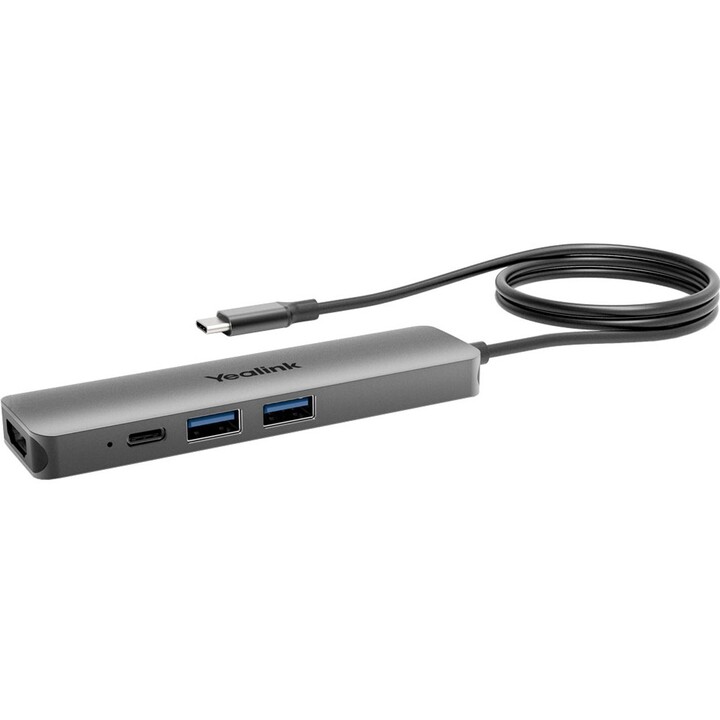
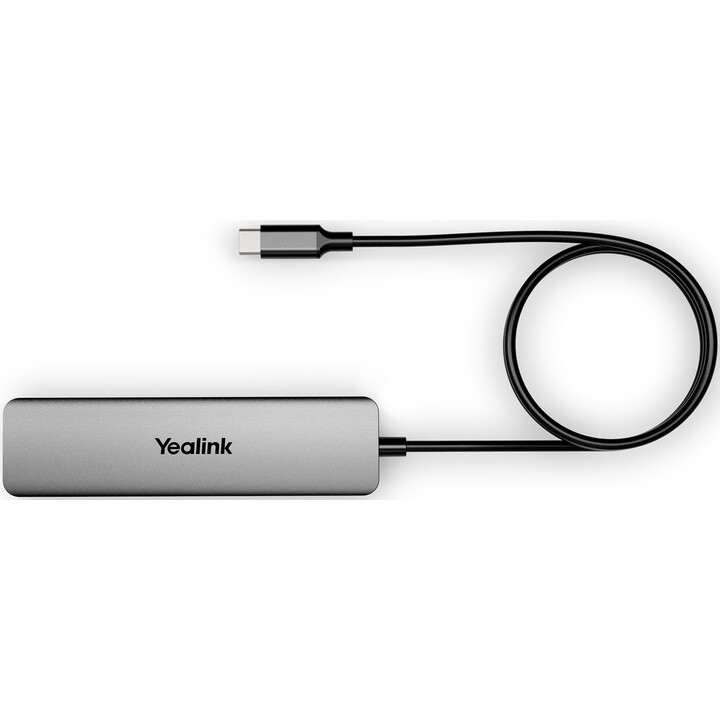
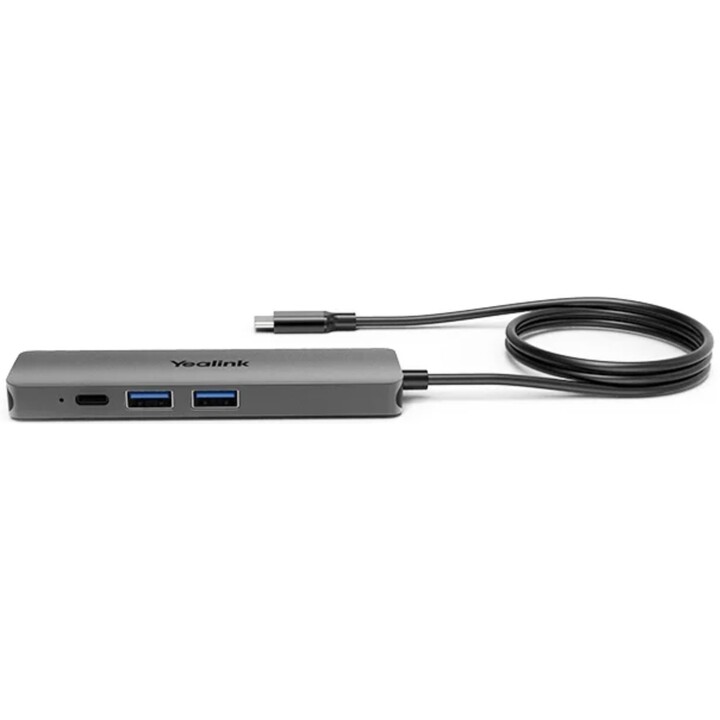

Yealink BYOD-BOX Wired Grey
- Plug-and-play connectivity with HDMI, USB 3.0 (x2), and USB Type-C
- Includes 1.5 m USB-C cable and C to USB-A adapter
- 1x HDMI output for external displays
- Compact BYOD hub with multiple ports
- Compatible with various devices for easy integration
Simplify the connections in your workspace with the Yealink BYOD-BOX, a flexible accessory built for this purpose. It provides plug-and-play operation and comes with several ports: two USB 3.0, one HDMI output and a USB Type-C port, together with a 1.5-metre cable. Thanks to this hub, a range of devices can be linked without difficulty, which makes it a great fit for Bring Your Own Device (BYOD) settings.
A USB-C to USB-A adapter is supplied with the BYOD-BOX, so it works with many different devices. External displays are supported by the HDMI output, which improves your presentation and collaboration options. As it is compact, it slots easily into any workspace without creating clutter.
If you need to link laptops, peripherals or external monitors, the Yealink BYOD-BOX offers a dependable and efficient answer. Ideal for conference rooms, offices and remote work setups, this accessory keeps your productivity going with secure and stable connections.
Improve your connectivity with the Yealink BYOD-BOX and enjoy a professional, streamlined workspace.
-
Brand

-
Reference1300004
-
In stock9 Items
-
ConditionNew
-
EAN136938818305137
| Brand | YEALINK |
|---|---|
| Country | China |
| Address of origin | No. 666, Yangtze River West Road, South Jiangsu Software Park, Nanjing, Jiangsu, China |
| EU responsible person | Yealink (Netherlands) B.V. |
| Address | Kabelweg 37, Amsterdam, Netherlands, 1014BA |
| [email protected] | |
| Phone | 31204113100 |
12 other products in the same category
- New
- Out-of-Stock
Viewed products
- Out-of-Stock